

1
Open Payments
In your Site’s Settings, open Site → Payments and choose your payment provider.
2
Add your plans
Add each plan with its price and checkout link.
3
Turn on selling
Turn on Sell from this Site. Your AI teammate can only see these plans while this is on.
4
Build the page
Ask your AI teammate to build or update the pricing page, then publish.
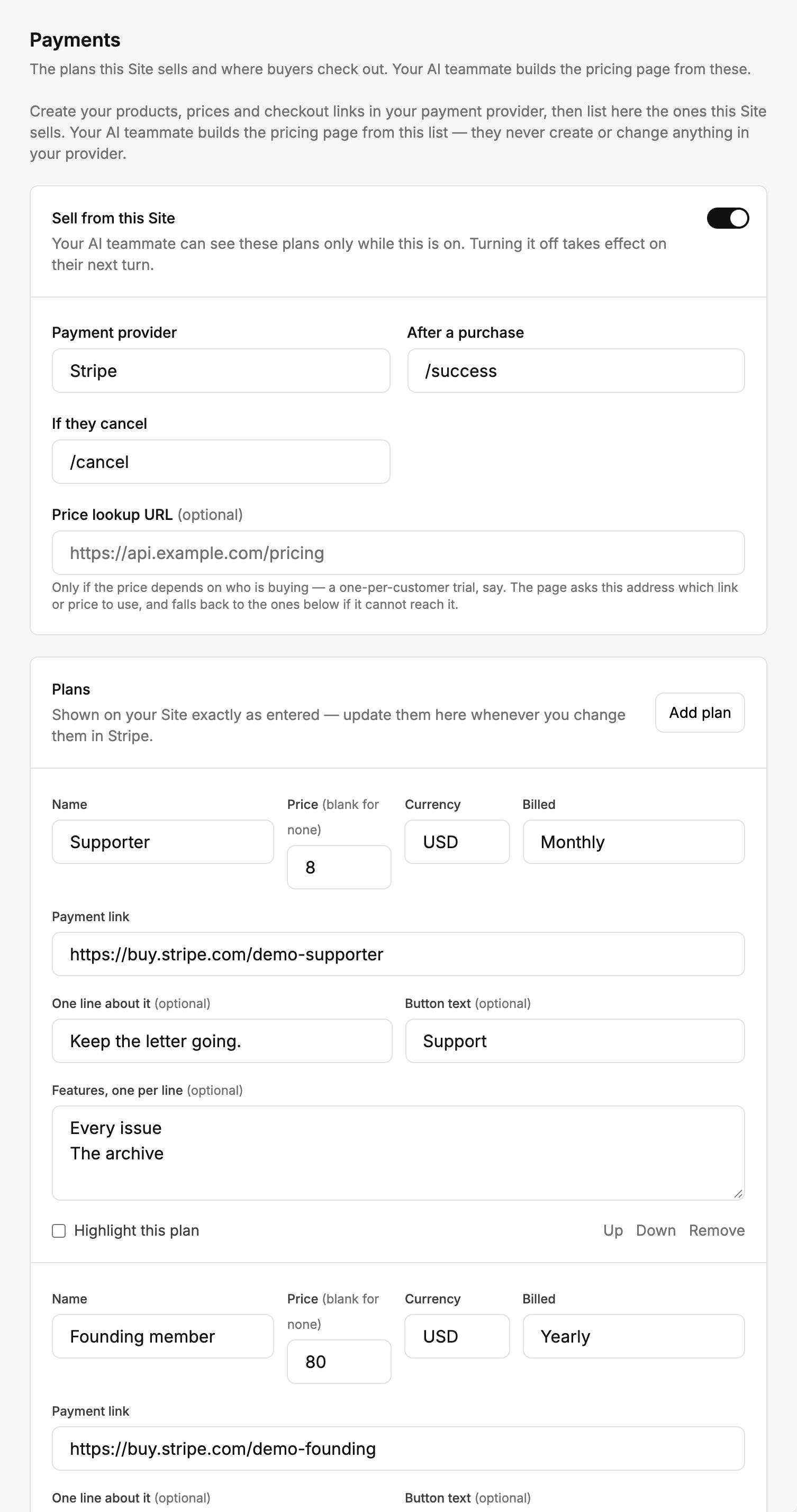
Your payment provider, and the plans your Site sells.
Payment connectors are for reading information only. To change a price or a product, change it in your provider and
update this list.