

- Your approval covers it. The approval card tells you the issue will also be posted on your Site.
- It matches what was sent. Mira reads the issue back from your tool, so your own edits are included. Personal fields and unsubscribe links are removed.
- A scheduled issue waits. Its page appears after it goes out, and an issue you unschedule is never posted.
- Issues sent to part of your list are skipped, so paid or private issues stay private.
- Your unfinished work stays unpublished. If your Site has other changes waiting, the issue goes live with your next publish.
Managing your issues
Open your Site’s Settings, then Audience → Issues. From there you can see each issue, turn this off for a Site, post an issue on X, or remove one.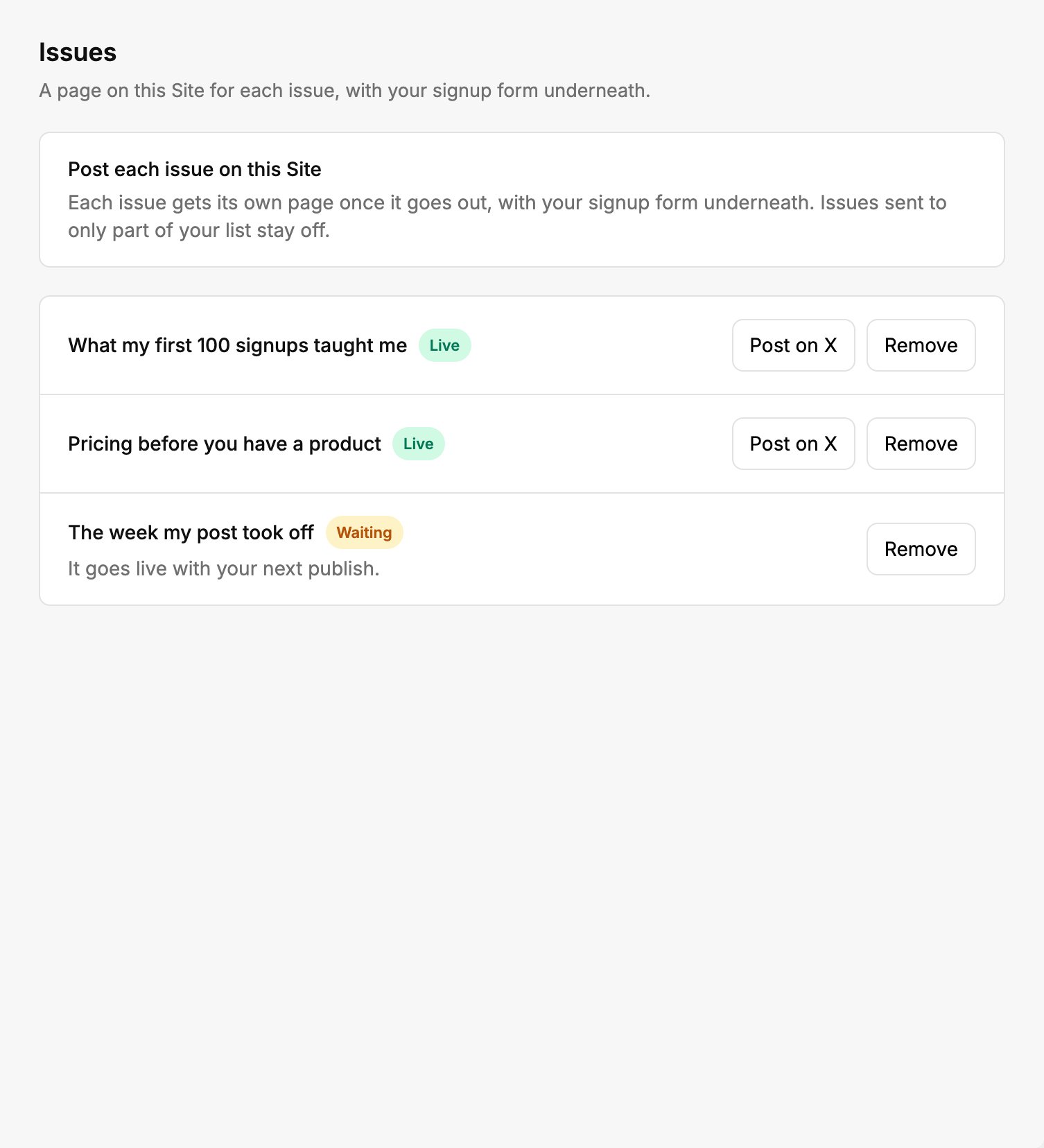
Every issue, and whether it is live on your Site.
Adding the pages to a Site
Mira builds the issues pages once, in your Site’s design. A newsletter page asks for them from the start. On any other Site, Add it to my board files a card for you to start when you’re ready.Ghost already publishes every issue on its own site, so a Site using Ghost doesn’t get a copy.