

1
Connect your tool
Open Connectors, find your newsletter tool and press Connect.
2
Choose the list
Most tools ask which list Site signups should join. Choose it in the connection settings.
3
Give it to Mira
Open your AI teammate’s Tools page and add the connection, so she can draft in it.
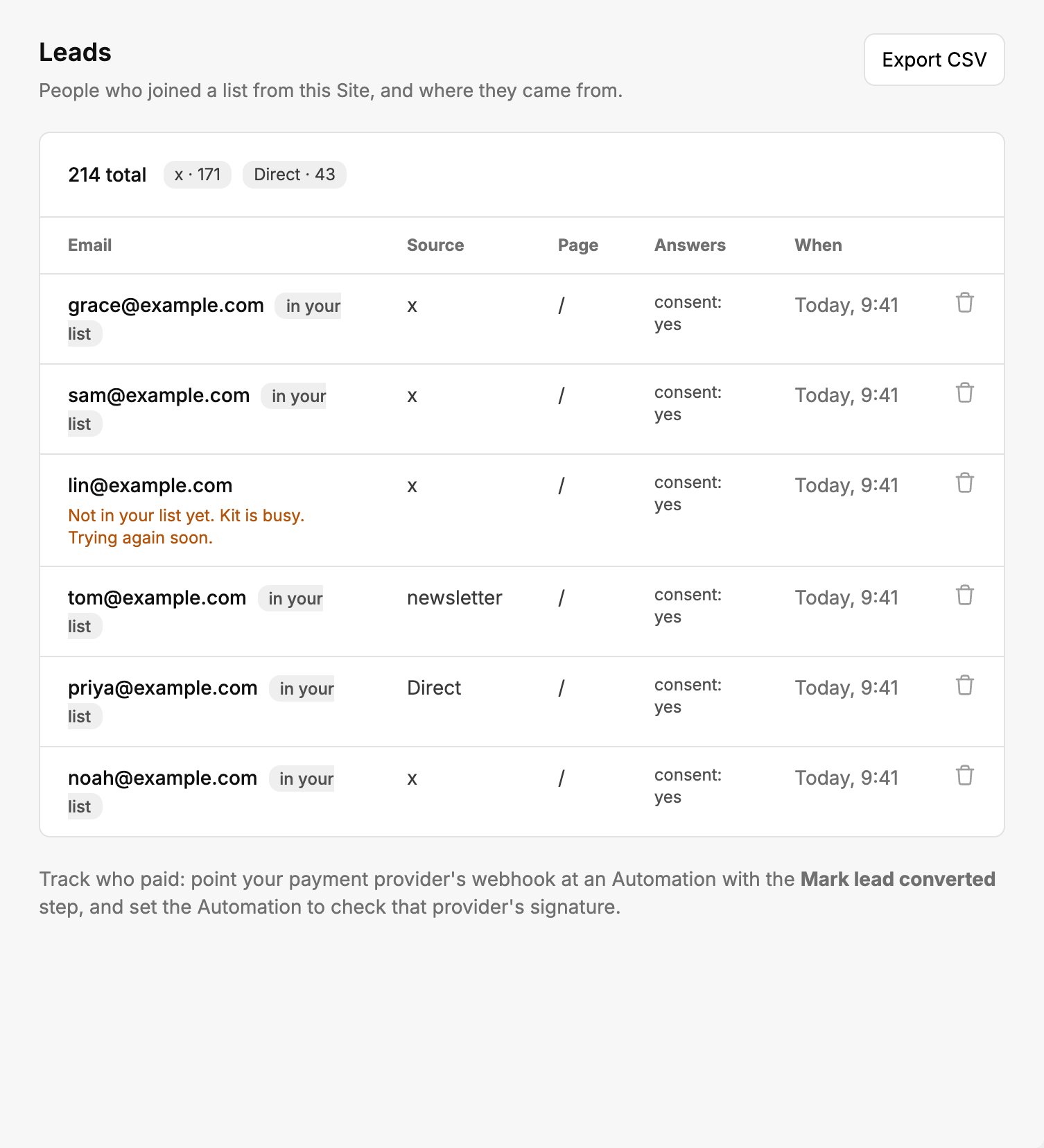
Each signup shows where it came from, and whether it reached your list.
What happens when something goes wrong
Spam is filtered before it reaches your list. See Forms for what your Site can collect.