

1
Start a Site
Open New Site and choose Newsletter or waitlist page.
2
Say what it is about
A sentence or two is enough. Choose Newsletter page if people subscribe to what you write, or Waitlist
page if they sign up before you launch.
3
Check it
Mira builds the page in the builder. Ask her for any changes in the chat.
4
Publish it
Press Publish. Your page is now a link you can put in your next post.
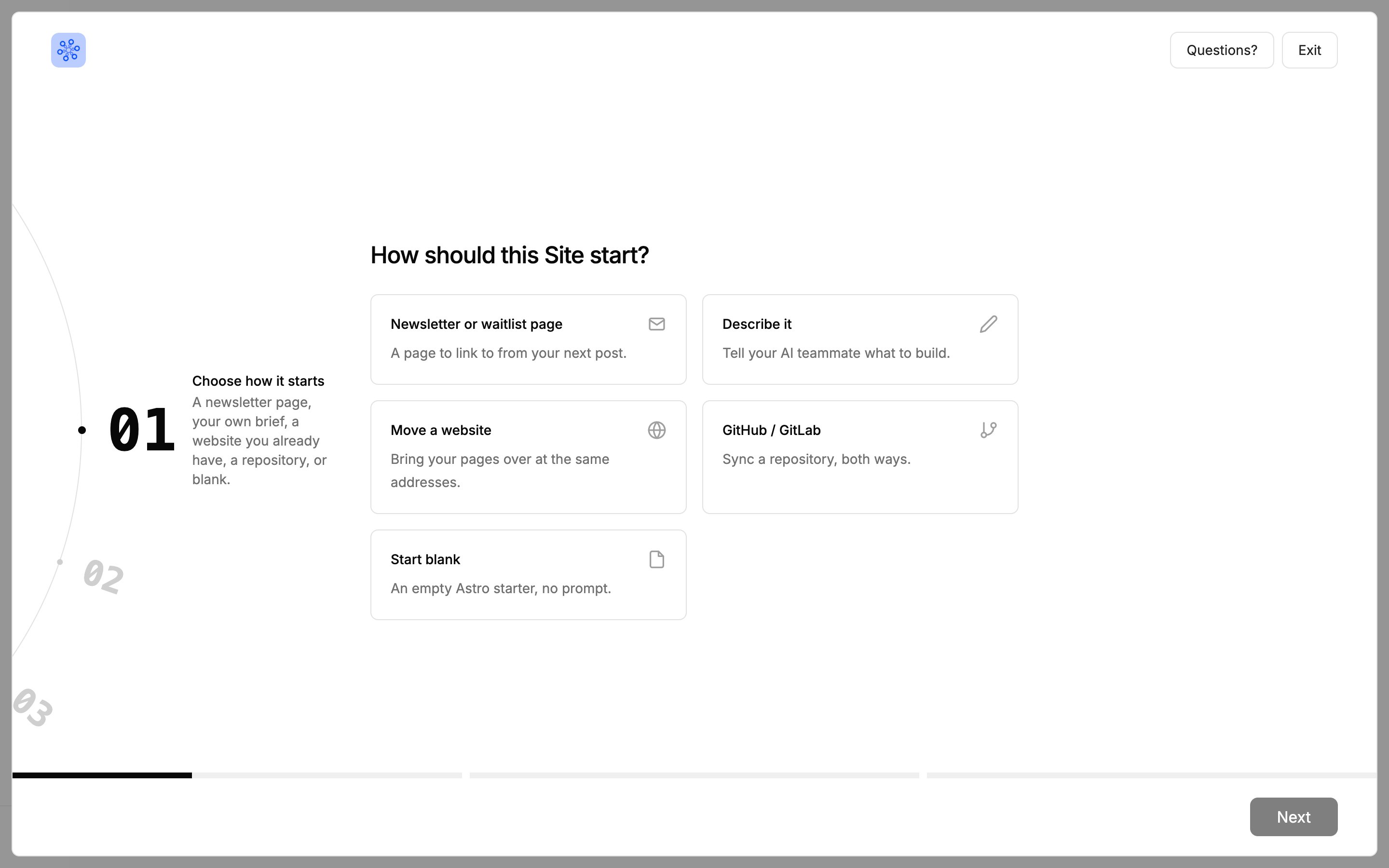
Choose Newsletter or waitlist page to start.
Next steps
Getting Signups Into Your List
Connect the tool you already use
Site Builder
Change your page yourself