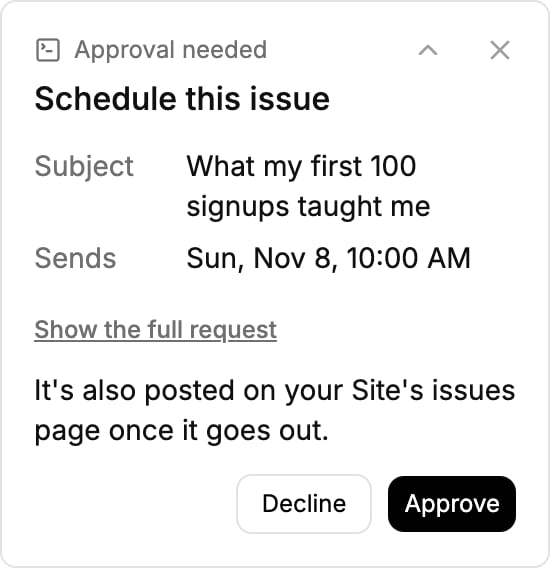
Mira drafts each issue in your newsletter tool. Nothing goes out until you approve it.
Ask Mira for this week’s issue. She drafts it in your newsletter tool, where you can read it and change what you like.
When it is ready, she asks you to approve the send.
Nothing goes out until you press Approve.
Nothing reaches your list without you. Sending always asks first, whatever your settings say, and Automations
can’t send to your list at all.